Create and account and try it for free right here
Security & Trust
Features
Pricing
Zero-knowledge architecture
the server never holds your vault key; even the operator cannot read your notes
End-to-end encryption in the browser
data is encrypted on your device before upload
Email addresses sealed
server-side, passwords are never transmitted in recoverable format
Servers in Germany
All your data is exclusively stored in servers in Germany under strict European Data Protection Rules (GDPR)
Unlimited categories & entries (in paid tiers)
Image attachments also encrypted before upload
Markdown formatting with live preview
Offline-first works without connection, syncs automatically
Import from Tutum Nube Classic (iOS)
and JSON export/restore
Cross-device works in any modern browser, iOS and desktop
Two-factor authentication & passkeys
and Emergency unlock code for passphrase recovery
Free tier
2 categories, 5 entries each
Pro plans
Monthly: €2,50
Quarterly: €6,75 (save 10%)
Yearly: €24,30 (save 19%)
Payment Options
PayPal, Mollie (SEPA, Credit Cards, Apple Pay, Google Pay)
Cancel anytime
Even if you cancel or pause your subscription, all your your data is still accessible in read only mode
FAQ
Q: Can the operator read my notes?
A: No, nobody on our team can ever read your notes. They are encrypted with the passphrase you have set.
Q:What happens if I stop paying?
A: Read only access to your data is still available
Q: What if I forget my passphrase?
A: Upon registration you will be presented with an Emergency Unlock Code. Keep this code somewhere safe. It is the only way to access your data if you forget your password.
Q: Which browsers and devices are supported?
A: We have tested Tutum Nube Web on Safari, Firefox, Vivaldi and Fennec browsers. Operating systems supported: iOS, Android, Linux, Windows
Q: Is Tutum Nube Web available as app?
A: Tutum Nube Web is a Progressive Web App (PWA) which means that you can install it through the browser. Usually through a functionality named "Add to Home Screen".
Q: How does the import from the iOS app work?
A: Log into Tutum Nube Web on your iOS device. Log into the legacy Tutum Nube app. Click on Export, all your data will be stored in the copy / paste buffer. Switch back to Tutum Nube Web and open the settings. Scroll to Import from Tutum Nube iOS, click on Open and then paste the content of the buffer into the dialog and click Import.
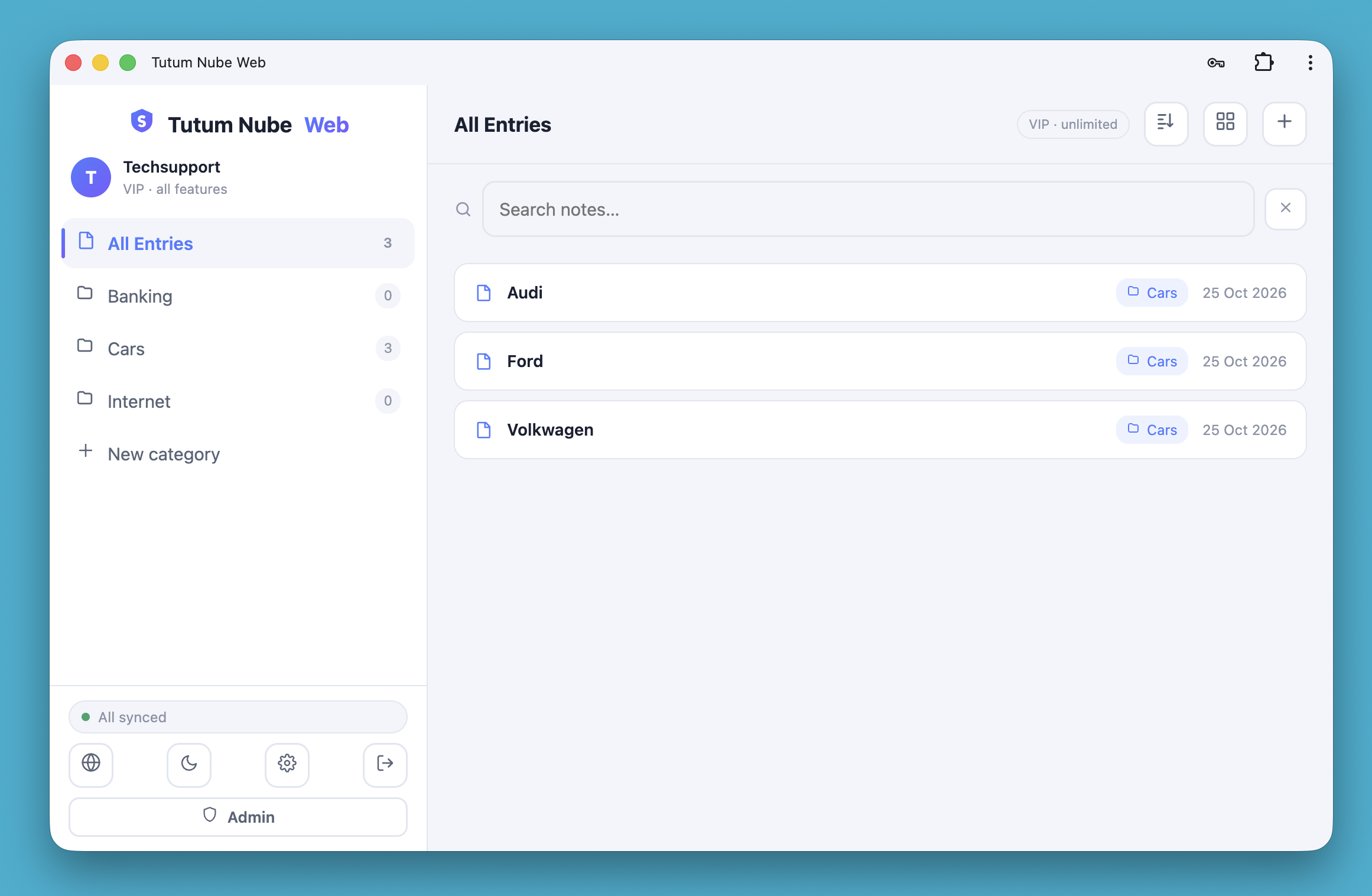
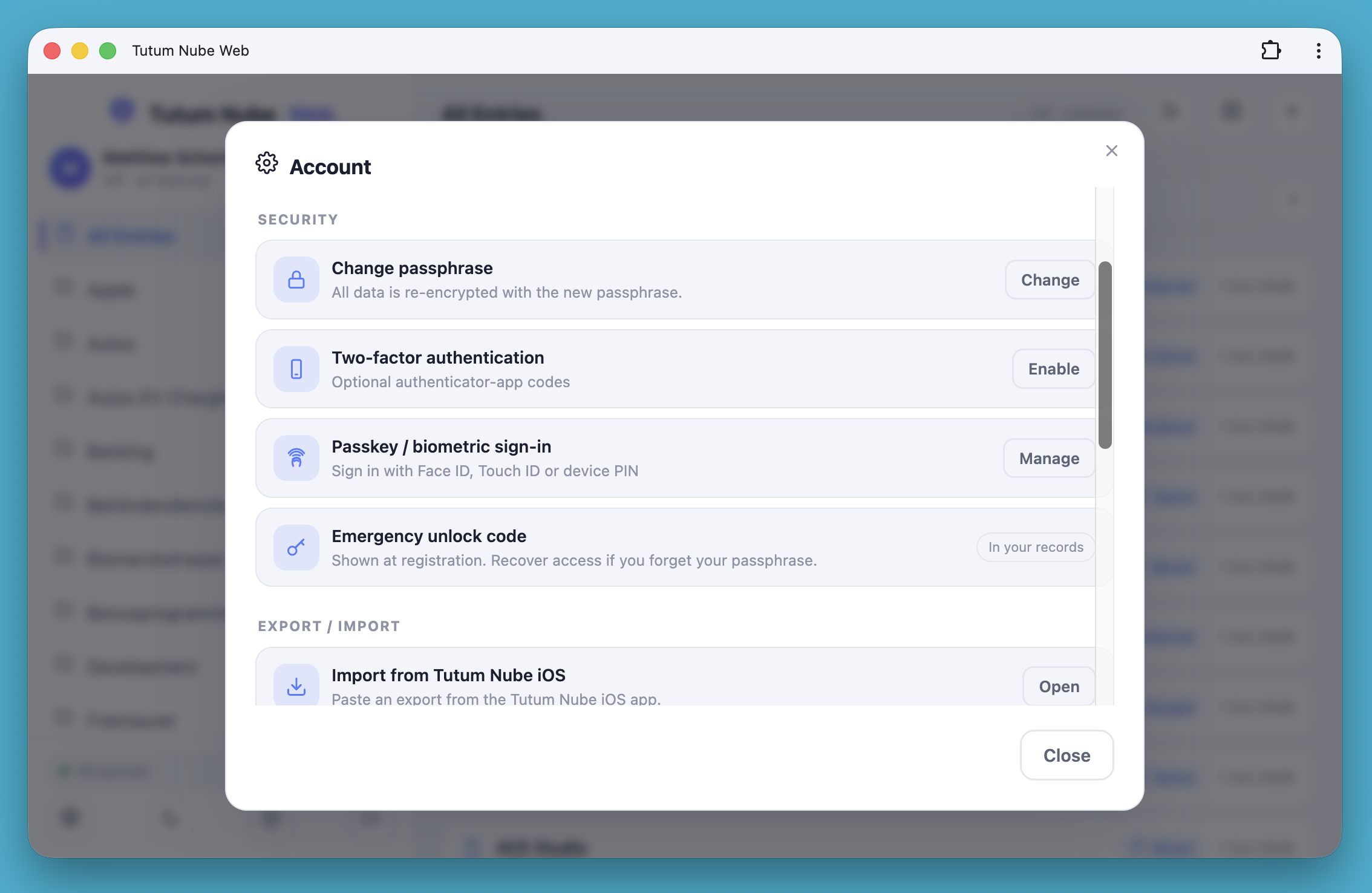
Desktop
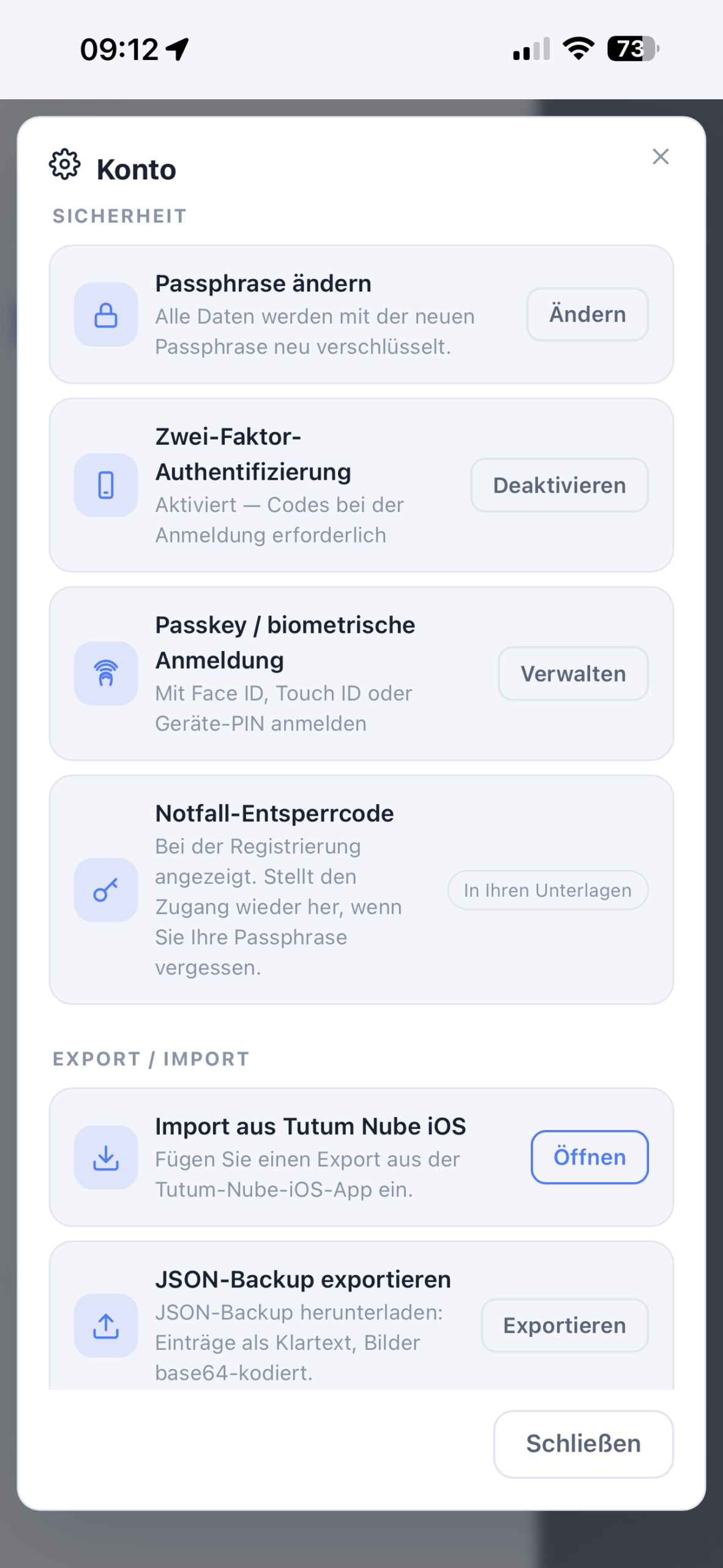
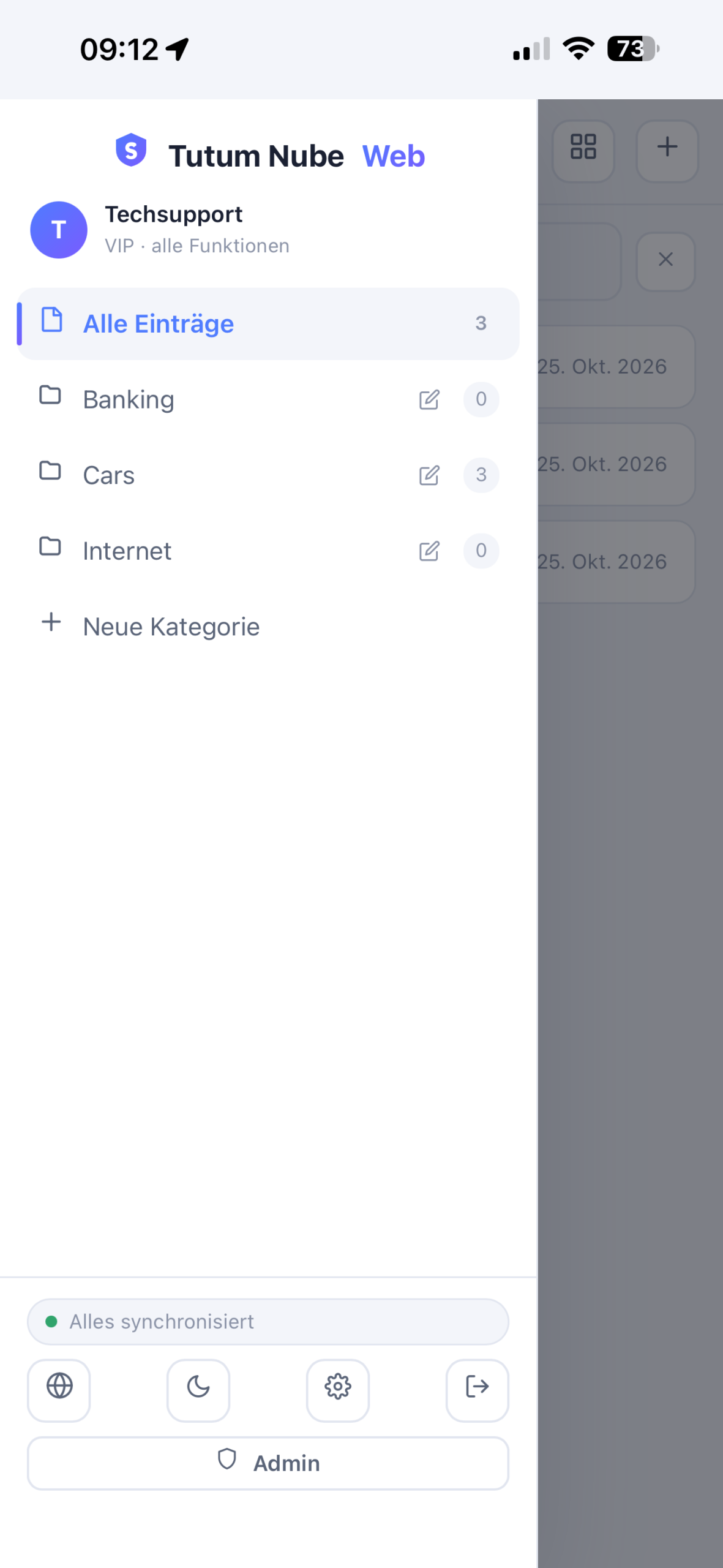
Mobile